3D Printing With Kids — Building and Having Fun Together
A six-year-old sketches a dragon. Two hours later, she's holding it. That's the moment.
3D printing with kids isn't a gadget hobby. It's a creative loop. Idea, design, print, hold, fix, redo. The loop fits how kids already think — they imagine in three dimensions long before they learn to read. The right printer makes the loop easy. The wrong one breaks it.
This guide walks through what families actually need: how it works in kid-friendly terms, the safety basics, the age-to-printer match, fun first projects, the rhythm that keeps it going past month two, and the mistakes most parents make on the first try.
Why 3D Printing With Kids Hooks Them (And Keeps Them Hooked)

A printer makes things. Most toys don't. That difference shows up faster than parents expect — usually by the third print.
Real Objects, Not Just Screens
Screens consume. Printers produce. After a child names their first keychain, picks the color, and watches it appear, the loop clicks into place. The American Academy of Pediatrics — in its updated digital-media guidance — frames hands-on creative time as one of the activities screens shouldn't displace. A 3D printer fits squarely on the 'build, don't scroll' side of that line.
What Kids Actually Learn
Failed prints teach what worksheets can't. A bridge collapsed because the supports were too thin. A name plate cracks because the wall thickness was 0.4 mm instead of 0.8 mm. Each miss is a real-world lesson. Research indexed by NIH on play-based STEM behaviours ties this kind of build-test-revise loop directly to early engineering thinking. Kids don't notice they're learning. That's the point.
Why Parents Get Pulled In Too
The shared part surprises most parents. Birthday banners. The drawer pull that snapped last winter. The cat toy nobody can find at the store. You start solving small problems together. The best Reddit threads about kid printers aren't about the printer — they're about the dinner conversations that happen while it runs.
How 3D Printing Actually Works (Kid-Friendly Version)

The technical part is simpler than it looks.
Three Steps From Idea to Hand
Step one — pick a model or design one. Step two — slice it (software does this in seconds). Step three — print it. The printer melts plastic at around 200°C and lays it down in thin layers, 0.1 to 0.3 mm at a time. Most kid printers handle all three steps inside one app. No desktop software. No driver setup.
Software That Doesn't Need a Manual
The best kid printers ship with curated toy libraries — hundreds of pre-tested models a six-year-old can pick from. Older kids graduate to Tinkercad, which is free, browser-based, and used in thousands of US classrooms. Adult slicers exist for when the kid is ready. Most aren't yet, and that's fine.
Why First Prints Should Take 30 Minutes, Not 12 Hours
A keychain finishes in 20 minutes. A small dinosaur in 40. A figurine in 4 hours. A full robot overnight. Start small. A first print that runs all afternoon and then fails at hour eleven is the fastest way to break a child's interest. Quick wins build the habit.
Safety Basics Every Parent Should Know

3D printing is safe for kids when the printer is enclosed, the filament is PLA, and the room has airflow. Three checks. That's most of it.
Hot Parts and Moving Pieces
The nozzle hits 200-230°C. The bed runs at 50-65°C. Belts and motors move fast enough to pinch a finger. The CDC's NIOSH guide on safe 3D printing — written for makerspaces, schools, and small businesses — lists heat from hot surfaces alongside moving parts and ventilation as the three core physical hazards every setup needs to address. An enclosed model like the kid-friendly 3D printer lineup from AOSEED puts a clear door between all that and your kid's hand. It's the single most underrated feature for any household with kids under ten.
PLA vs Everything Else
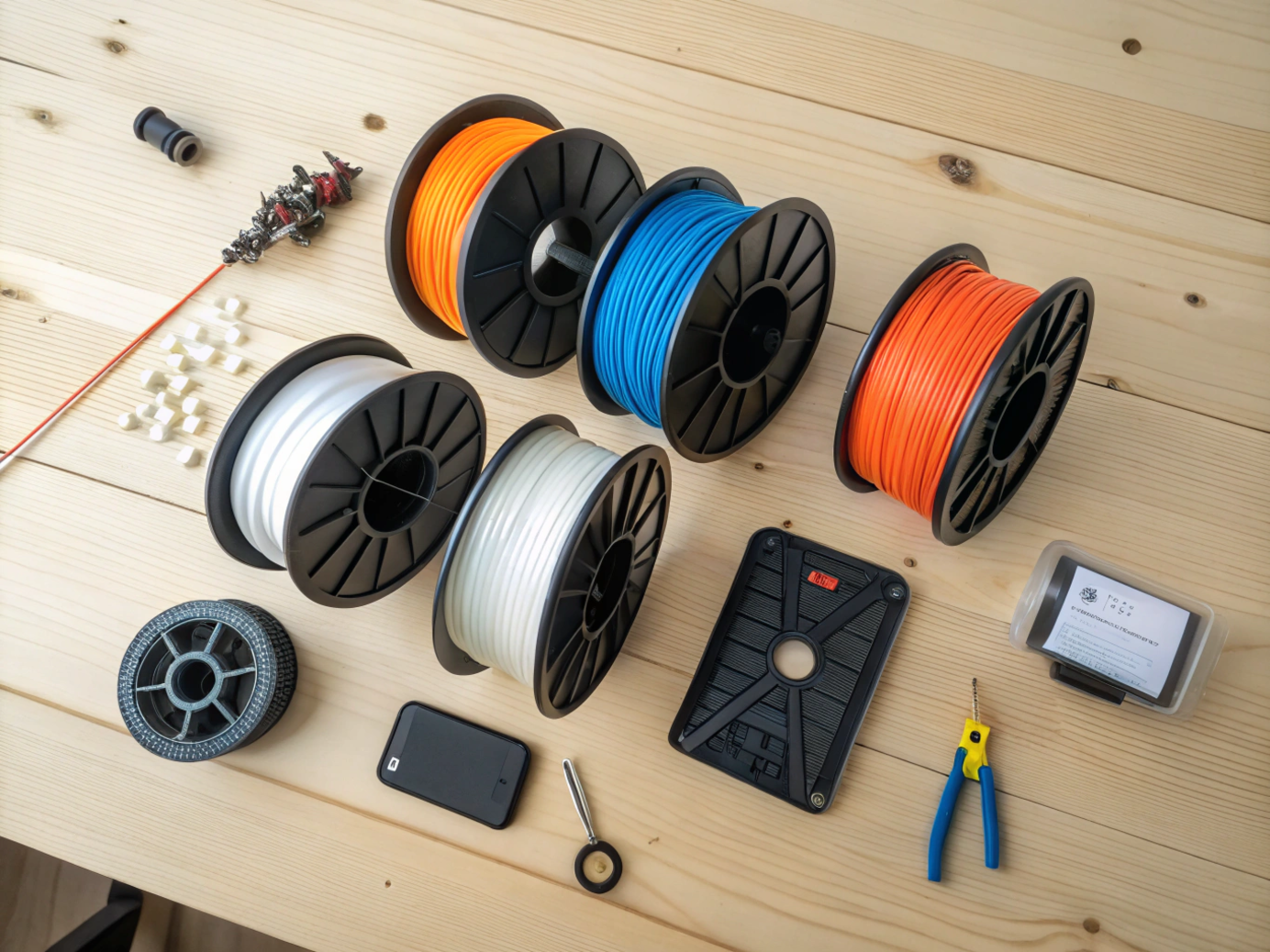
PLA is the answer for almost every home setup with kids. It melts at low temperatures, smells faintly sweet, and releases minimal fumes during a typical print. ABS smells acrid and needs serious ventilation. Resin is a UV-cured liquid that irritates skin and shouldn't go near kids at all.
|
Material |
Print Temp |
Fume Level |
Kid-Friendly? |
|
PLA |
190-220°C |
Low, mild sweet smell |
Yes — default pick |
|
PETG |
220-250°C |
Low to mild |
Fine for older kids |
|
ABS |
230-260°C |
Strong, needs ventilation |
Skip for home use |
|
Resin (SLA) |
UV-cured, not heated |
Strong, skin contact risk |
No — adults only |
Where to Put the Printer at Home
Kitchen counter. Family room. Home office. Not a sealed bedroom. Long prints release a small amount of ultrafine particles, and a closed bedroom traps them. Washington State's Department of Health guidance on 3D printers — written for schools but just as useful at home — recommends placing the printer in a well-ventilated area, ideally with the option to vent emissions to outside air. A cracked window during prints handles most of it for PLA.
Matching the 3D Printer to Your Kid's Age
There's no single right age. There's a right setup for each age. Handing a six-year-old a printer designed for a fifteen-year-old is the fastest way to make the hobby fail.
|
Age |
What the Child Does |
Parent's Role |
Printer Style |
|
5-7 |
Picks models, picks colors, watches |
Runs setup, filament, hot parts |
Enclosed, app-led, very simple |
|
8-10 |
Picks, designs in Tinkercad, paints finished prints |
Setup, filament, troubleshooting |
Enclosed kid printer |
|
11+ |
Designs, slices, fixes clogs, sometimes sells |
Hands-off, occasional help |
Beginner family printer |
Ages 5-7 — Watching, Picking, Painting

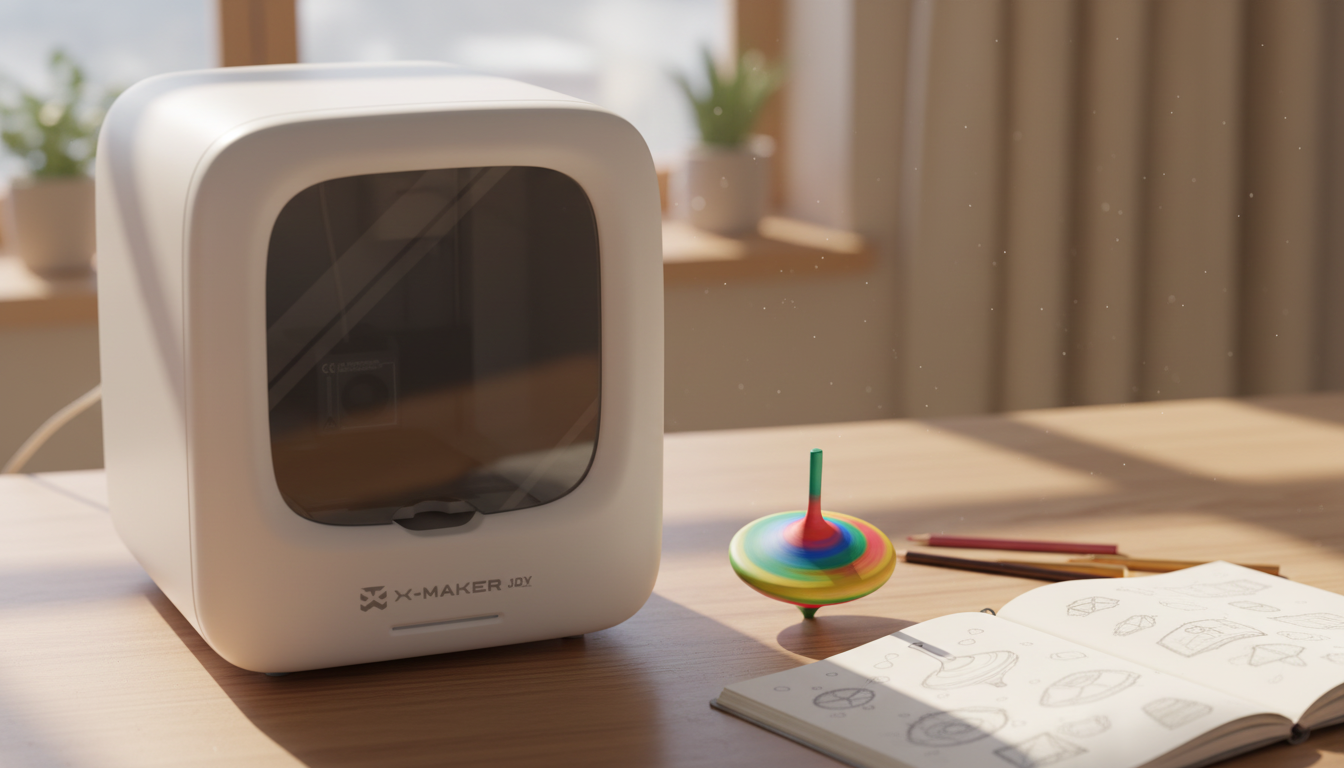
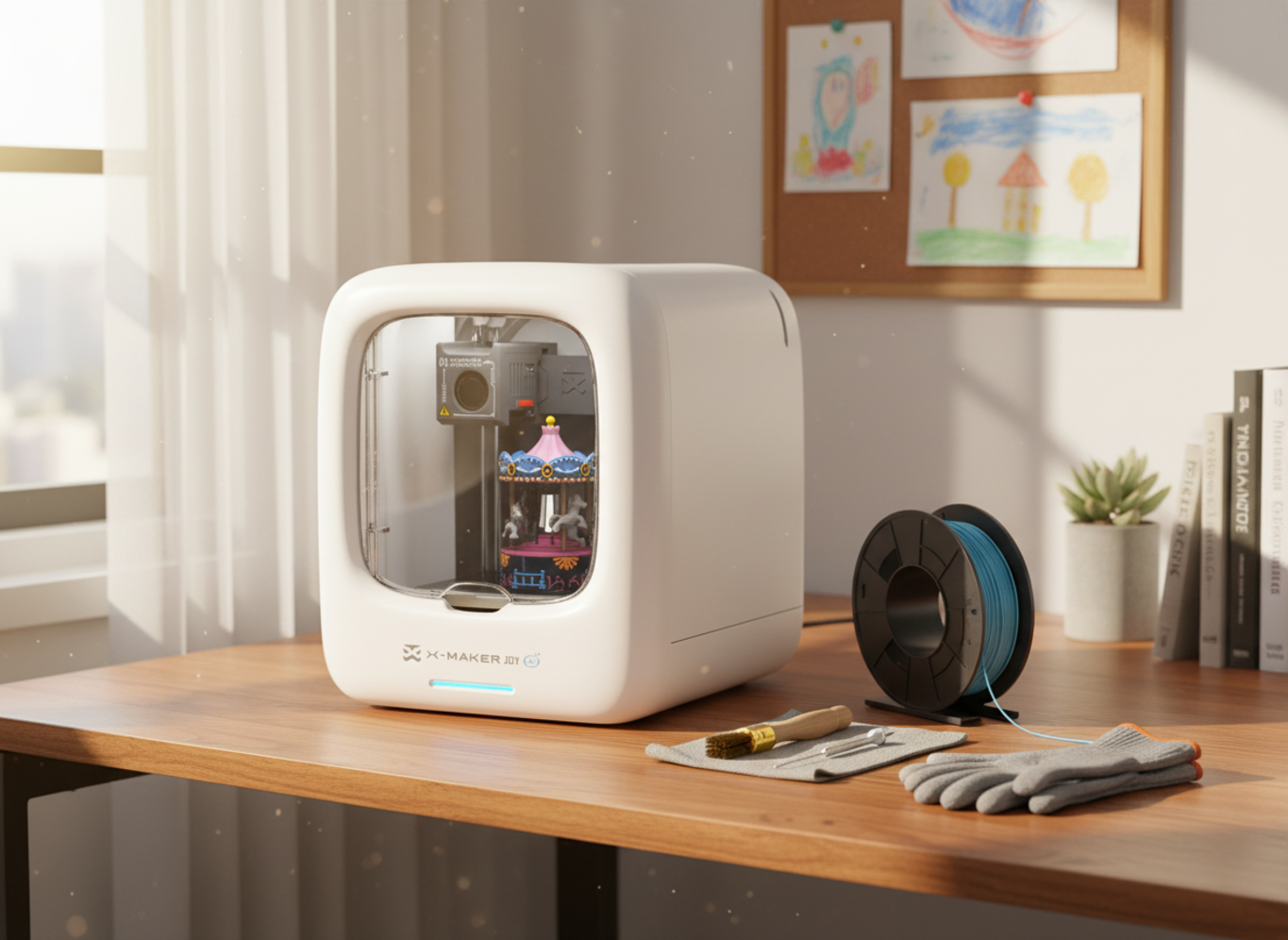
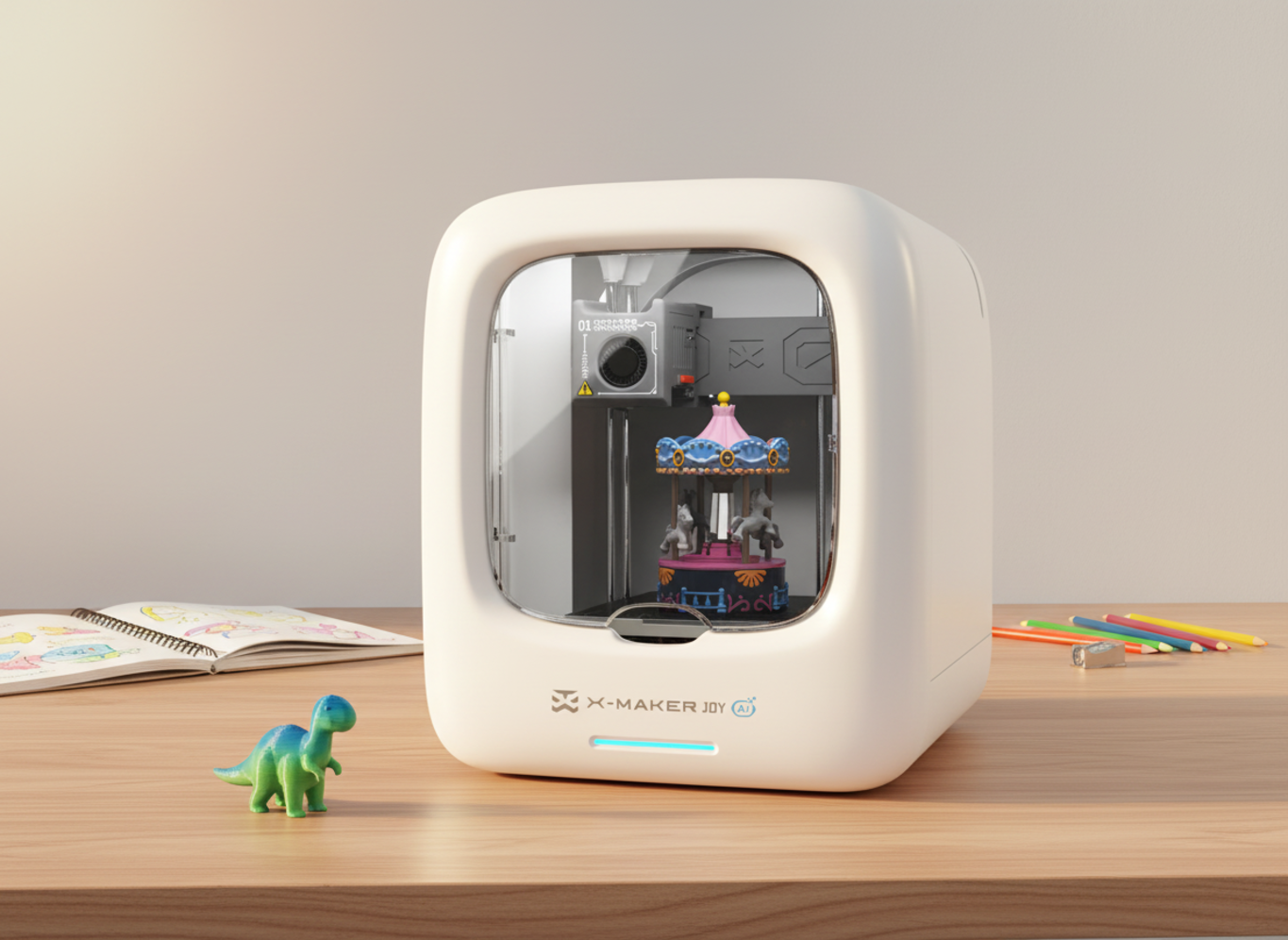
Kids this age aren't ready to design. They are ready to pick. A child this age picks a model from a tablet app, picks a color, watches the print, peels it off the bed with help, then paints it. The printer needs to be enclosed, simple, app-led. A beginner-friendly 3D printer for kids like the X-MAKER JOY fits this age band — one-touch start, curated toy library, fully enclosed. No slicer to learn.
Ages 8-10 — Designing and Customizing
Around third grade most kids want to design, not just print. Tinkercad is the right next step — free, browser-based, taught in many US classrooms. So is letting them adjust basic settings like color, scale, and infill. Auto-leveling and touchscreens still help. The guardrails come off slowly, not all at once.
Ages 11+ — Slicing, Tinkering, Selling

By eleven or twelve, the kid printers start feeling small. Tweens want bigger prints, more colors, and the ability to fix their own clogs. A guided STEM 3D printer for kids and teens like the X-MAKER gives more headroom — larger print area, more material options, fuller slicer access. A few will start selling prints on Etsy or to friends. Some will build their next printer.
Fun First 3D Printing Projects to Do With Kids

Shared projects keep the hobby alive past the first weekend. Start small. Pick projects that finish before bedtime.
|
Project |
Print Time |
Best For |
|
Keychain or name tag |
15-30 min |
First print, gifts |
|
Fidget toy or spinner |
30-60 min |
Quick wins, ages 6-12 |
|
Drawer pull or cord clip |
1-2 hours |
Useful household fixes |
|
School science model |
2-4 hours |
Class projects, ages 8+ |
|
Articulated figurine |
4-8 hours |
Weekend project |
Keychains and Name Tags
The classic first print. Quick. Personal. Almost impossible to fail. A six-year-old picks the design, types their name, chooses a color. Twenty minutes later, they're showing it off at dinner.
Fidgets and Mini Toys
Fidget cubes, spin tops, mini dragons, marble runs. They print fast, survive being thrown, and become painting projects after. Half the fun is decorating.
Useful Stuff Around the House
This is the moment the hobby switches gears. The broken drawer handle. The missing dishwasher tine cover. The cord clip nobody can find at Target. When a kid solves a real household problem with their own print, the printer becomes a tool — not just a toy maker. For more starter ideas, the AOSEED Learning Center has easy starter projects and tutorials sorted by age and difficulty.
School Projects That Stand Out
Volcanoes. Cell cross-sections. The Roman Colosseum for fifth-grade history. Teachers notice when a kid actually made the thing instead of printing a photo. Most school models finish in under four hours — a single school night.
Building a Family Routine That Sticks
The printer ends up in the closet when there's no second project. The hobby lives when the next idea is already queued up.
Friday Night Print Sessions
Once a week beats once a day, every time. Friday after school. Saturday morning. Whatever the rhythm. A consistent slot trains kids to think between sessions about what they'll print next. The waiting is part of the loop.
Let the Kid Pick (Most of the Time)
The kid drives. The parent helps. The reverse kills the hobby in two months. If they want to print fifty unicorns in a row, let them. Variety comes later. Self-direction matters more than print quality at this stage. The AAP's Power of Play guidance frames child-led play as a key driver of executive function and 21st-century skills. The same logic applies to a printer in the kitchen.
How to Handle a Failed Print
Failures will happen. The first three prints might fail. Maybe the fifth one too. Filament jams. Walls cave in. Layers shift. Every printer does it — even the $500 ones. Kids handle it better than adults — they've already spent years building things in Minecraft that vanished on every server reset.
Common Pitfalls Parents Run Into

Most disappointed first-printer families fail for the same handful of reasons. Avoid these and the rest is easy.
Buying the Cheapest Option
A $129 budget printer looks like a steal. It is — if you already know 3D printing. It's not, if you're buying for a 9-year-old. Cheap printers cut corners on bed leveling, frame rigidity, and customer support — the three things that decide whether the first print works. Spend the extra $50-$100 on a printer that ships with auto-leveling. You'll save it in filament alone.
Resin Printers for Young Kids
Resin prints look better. Sharper detail. Smoother layers. But resin is a UV-cured liquid that irritates skin and releases stronger fumes during printing. Cleanup needs isopropyl alcohol and a curing station. Save it for the teen years, when your kid has their own ventilated workspace.
|
Red flags when shopping:
|
Expecting Perfect Results
Treat failure as the price of admission, not a defect. The hobby is the loop, not the output. A child who learns to debug a failed print at age nine is learning systems thinking. That's the real win.
Conclusion
A 3D printer becomes part of family life when the printer is safe, the filament is PLA, the projects fit the kid's age, and the next idea is already queued up. The hardware part is solved. The rhythm is the harder part — and the part most worth getting right.
The kids who end up loving this hobby don't usually love the printer. They love what comes out of it — the dragon they designed, the cup holder they fixed, the cake topper they printed for grandma's anniversary. The printer is the means. The making is the point.
Don't expect the love affair to start on day one. Most families have a slow first month — a couple of failed prints, one wasted spool, a kid who loses interest for two weeks and then quietly comes back. That's normal. The hobby isn't a launch. It's a habit. It takes a few weeks to find its shape inside your week.
You'll also notice the printer changes the small conversations. A kid who used to ask for the iPad after dinner starts asking what to print next. They'll bring a finished print to the table and turn it over in their hands while they talk. That shift is hard to engineer. It mostly happens on its own once the loop is running.
Some weeks the printer will sit cold. That's fine too. The best family hobbies breathe — busy weeks, quiet weeks, then a school project that wakes the whole thing back up.
AOSEED's family creativity platform — built around an enclosed printer, a guided app, and a steady stream of projects — exists to make that rhythm easier to start and harder to break. Pick the right printer. Stick with the easy filament. Let your kid lead the picks. The rest mostly takes care of itself.
|
THE PRINT–PLAY–REPEAT MINDSET The best predictor of whether a 3D printer stays in use isn't the printer. It's whether the family has a second project lined up after the first one finishes. Pick small. Print often. Let failure happen. |
FAQs
What age is best to start 3D printing with kids?
Around age 5–7 is a good start with full adult supervision and an enclosed printer. Kids can pick models, choose colors, and watch prints, while parents handle setup, filament, and anything hot or sharp. Around ages 8–10, many kids can start helping with simple prep steps, like choosing files and checking print progress. By age 11+, some kids can take on more of the process, including basic troubleshooting, as long as an adult still checks safety and setup.
Is 3D printing safe for kids at home?
Yes, with an enclosed printer, PLA filament, and decent room ventilation. The CDC's NIOSH guide on safe 3D printing covers the three main hazards: heat, particles, and moving parts.
What can I 3D print with my kid for fun?
Keychains, name tags, fidgets, mini animals, drawer pulls, school models, holiday ornaments, and replacement parts for broken toys. Start under 30 minutes per print to keep them engaged.
Do kids need to know how to design 3D models?
No. Most kid printers ship with curated toy libraries — pick, print, done. Around ages 8-10, many kids start designing in Tinkercad, which is free and browser-based.
What materials are safest for kids?
PLA. It's plant-based, melts at low temperatures, and releases minimal fumes. ABS and resin need stronger ventilation and aren't recommended for family setups.
How long does a typical 3D print take?
A keychain runs 15-30 minutes. A small toy under an hour. A figurine 2-4 hours. A full robot overnight. Start small until your kid sees consistent results.
Is 3D printing a good hobby for kids?
Yes. It builds patience, design thinking, and basic engineering intuition. AAP play-based learning guidance ties hands-on creative work to long-term executive function gains.
Can kids use a 3D printer without help?
Younger kids can't. Tweens and teens often can after a few supervised sessions. Setup, filament loading, and anything involving heat stay parent-side until they prove they can handle it.
Sources
- CDC/NIOSH,"Approaches to Safe 3D Printing: A Guide for Makerspace Users, Schools, Libraries, and Small Businesses."
- Washington State Department of Health,"3D Printers."
- American Academy of Pediatrics,"The Power of Play."
- American Academy of Pediatrics ,"Helping Kids Thrive in a Digital World."
- National Institutes of Health (NCBI/PMC),"Play-based STEM learning behaviours."



You may also like
Further reading

Printable STEM Challenges for Grades 4-6 Using 3D Printing

Small Group 3D Printing Activity With One Printer

Elementary STEM 3D Printing: Simple Projects Teachers Can Actually Run