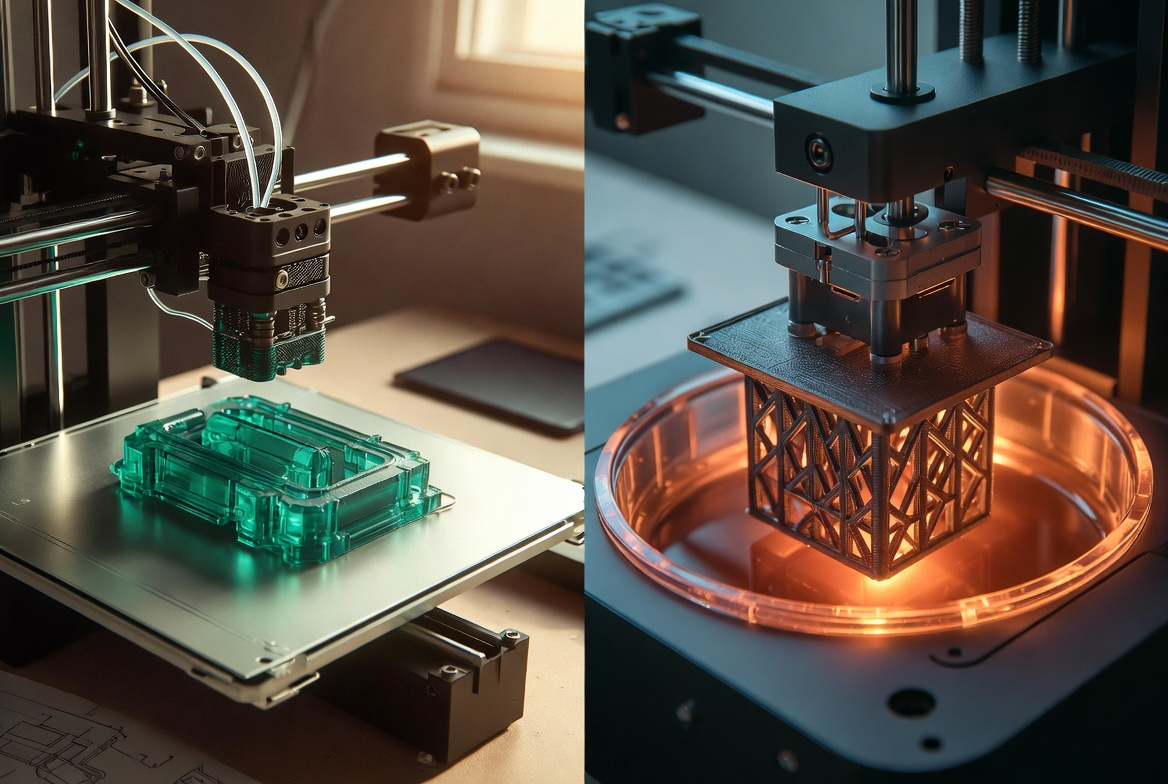
Resin vs Filament 3D Printer: Best for Your Project
Four objects on a table. A jewelry mold with edges sharp enough to see the engraver's tool marks. A clear dental aligner. A neon-green dinosaur — printed by a seven-year-old for her brother's birthday. A bracket holding up a garage-door spring that's been holding since 2023. All four came off consumer-grade 3D printers. But two came off resin machines, two came off filament machines, and picking the wrong type is the single most common mistake new buyers make.
Look closer and the split isn't subtle at all. Different raw materials. Different physics. Different software, different cleanup, different ways the prints fail. A machine that nails a coin-sized miniature is the wrong tool for a sturdy phone stand, and the reverse is true too. Most comparisons miss this. They list features side by side and let the reader do the sorting.
Better question: what do you want to make? Once that's settled, the right printer type is usually obvious. The other one becomes an expensive paperweight.
This guide walks through how each technology actually works. Then it stacks them against each other on the six things buyers actually care about — print quality, strength, cost, speed, ease of use, and safety. The goal isn't to crown a winner. It's to leave you knowing which one belongs on your bench, and which one you can skip.
|
BY THE NUMBERS — RESIN vs FILAMENT AT A GLANCE 4,091 vs 2,203 — nanoparticles per cubic centimeter; SLA resin printers tested ~1.9× higher than FFF filament in a peer-reviewed pilot study. 25–50 µm vs 120–280 µm — typical resin layer height vs typical filament layer height. Roughly 5× the detail resolution. 30–50% — the strength gap between filament prints loaded along the grain vs across it. Orientation matters more than people think. $300–$600 vs $650–$1,200 — first-year total cost for a hobby user. Filament wins on every line except the printer itself. 1989 — the year Stratasys trademarked "FDM." The mechanical principle has barely changed in three decades. Everything around it has. |
Resin vs Filament at a Glance
Before the deep dive, here's the side-by-side. Keep this table open in another tab while you read; everything below explains why the rows look the way they do.
|
Factor |
Filament (FDM/FFF) |
Resin (SLA / MSLA / DLP) |
|
Raw material |
Spooled thermoplastic (PLA, PETG, ABS, TPU) |
Liquid UV photopolymer resin |
|
Typical layer height |
0.12–0.28 mm |
0.025–0.10 mm |
|
Strength |
Tough, anisotropic; great for functional parts |
High detail but more brittle on standard resins |
|
Surface finish |
Visible layer lines without post-processing |
Smooth, near-injection-molded out of the printer |
|
Post-processing |
Optional — sanding, gluing supports off |
Required — wash in IPA, then UV cure |
|
Material cost (per kg / L) |
$15–$30 per kg PLA |
$30–$60 per liter standard resin |
|
Safety load |
Hot nozzle/bed; some ultrafine particulate |
Liquid uncured resin is a skin irritant; VOCs |
|
Best at |
Toys, brackets, prototypes, household parts |
Miniatures, jewelry, dental, hyper-detailed models |
One last bit of context before the deep dive. Both technologies got here the same way — through forty years of compounding research. The U.S. National Science Foundation funded the precursor work on stereolithography and fused deposition back in the 1980s, and standards bodies like ISO and ASTM have tightened the rules around materials and safety ever since. What separates a 2026 printer from a 2019 one isn't really the core mechanics. It's software intelligence, enclosed hardware, and better materials. Both sides of the resin/filament split benefited. They just benefited in different directions.
How Filament 3D Printers Work

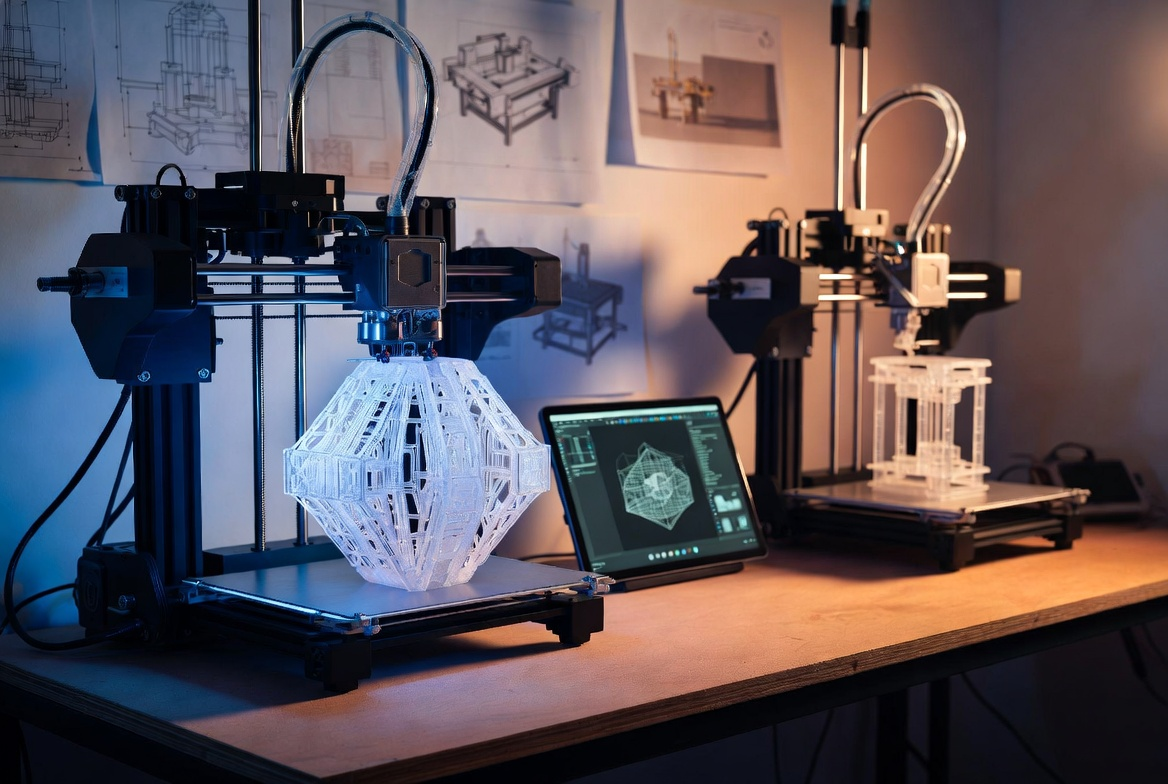
A filament printer is, basically, a hot glue gun on a robot. Plastic feeds in. The extruder melts it down to somewhere between 190 °C and 230 °C, then lays down a thin bead onto the build plate. The plate drops a fraction of a millimeter, the head moves on, and a new layer fuses to the one below it. That's the whole concept. Stratasys trademarked the name (FDM) in 1989. The mechanics haven't moved much since.
What has moved is everything bolted on around the extruder — rigid frames, vibration cancellation, automatic bed leveling, slicers that catch print errors before they happen, and enclosed build chambers. The difference between a Creality Ender 3 from 2018 and a Bambu Lab A1 from 2024 isn't really how they extrude plastic. It's how forgiving they are when you don't know what you're doing.
The material menu
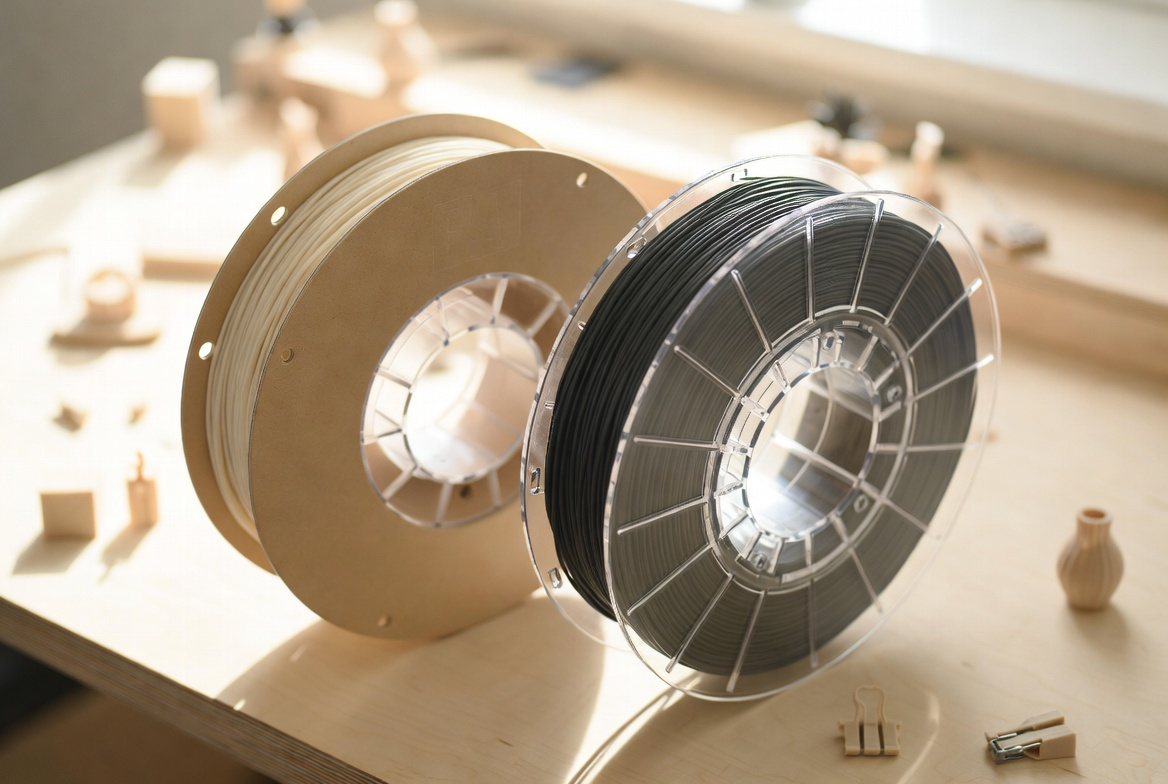
Part of why filament owns the consumer market is the catalog. PLA is the friendly default: cheap, low-odor, prints at low temperature, and breaks down industrially. PETG is tougher and more heat-resistant — the right pick for parts that'll live in a hot car or sunny garage. ABS prints harder but warps if you look at it wrong, and the styrene fumes really do need an enclosed printer with a filter. TPU is the flexible rubber-like one, used for phone cases and shoe inserts. Most homes get useful prints from three of those four within the first month.
Trade-offs of extrusion
Here's the catch with laying plastic down line by line: prints have visible layer lines, and bonding between layers is weaker than the bonding within them. Load a printed bracket perpendicular to the print direction and it's roughly 30–50% weaker than the same bracket loaded along the print direction. Designers fix this with orientation and infill pattern choices. For toys, brackets, household replacements — the kind of stuff people actually print at home — the trade-off is invisible. For a 28 mm miniature, those layer lines stay visible no matter how thin you slice them.
|
WHAT REVIEWERS SKIP Watch any unboxing video and you'll get a smooth first-print success. What you won't see: the four hours of leveling a stubborn bed on a $250 printer, the spool that arrived bent, or the random nozzle clog that ate a 12-hour print at hour eleven. Filament printing in 2026 is genuinely easier than ever — but "easier" still means more than zero work. |
How Resin 3D Printers Work

Resin flips the geometry on its head. Instead of building bottom-up by depositing material, the printer cures liquid resin one ultra-thin layer at a time, with the build plate hanging upside down. Below the plate sits a vat of UV-sensitive resin. Below that — a UV laser (SLA), an LCD masking screen (MSLA, which is what most consumer printers since 2018 use), or a DLP projector. Each layer, the light source flashes a pattern. The resin solidifies wherever it gets hit. The plate lifts a fraction of a millimeter, and the next layer cures.
Two intrinsic advantages fall out of this. Layer height routinely drops to 25–50 micrometers — roughly a fifth of typical filament resolution. And each layer cures as a single connected sheet rather than a sequence of beads. The output looks closer to injection molding than to extrusion. Side by side, it's not subtle.
Where resin earns its place
Resin's killer applications are the detail-driven ones — tabletop miniatures, jewelry masters, dental aligners, hearing aid shells, surgical guides. The FDA has cleared over a thousand 3D-printed medical devices since 2010, and a meaningful chunk of them come off resin machines. NIST's polymer additive manufacturing program tracks the material science behind these applications, which is how clear dental aligners and surgical guides ended up routine production items rather than expensive prototypes.
The post-processing reality
And here's the catch — what happens after the print finishes is the part the marketing skips. A fresh resin print comes off the build plate covered in uncured liquid resin, which is a skin sensitizer and not safe to handle bare-handed. The workflow: wash in isopropyl alcohol (95–99%) for several minutes, drip-dry, then UV-cure in a dedicated chamber for another five to ten. Reviewers who don't mention the wash-and-cure step are quietly skipping the part of the workflow that adds 20 minutes to every print.
Print Quality and Detail

If a print needs to look like an injection-molded product straight off the printer, resin wins. There's no contest. Standard MSLA machines hit 35–50 micrometer layer heights with XY resolutions around 22–47 micrometers — fine enough to capture chainmail texture on a 28 mm miniature or the spiral grooves on a printed screw thread. Filament printers, even the best of them, leave visible layer lines that need sanding or filler primer to disappear.
Flip it to functional parts and the picture flips with it. A bracket, a hinge, a jig, a wall mount — none of them care about 35-micrometer surface texture. Filament prints them cheaper, faster, tougher. The layer lines become a feature: PLA brackets have visible grain that gives them texture and grip.
|
DETAILS AREN'T FREE A 25-micrometer layer height triples print time over 75-micrometer settings. For a typical miniature, that's the gap between a four-hour print and a twelve-hour one. Most resin users default to 50 micrometers for everyday work and only drop lower when the model actually needs it. |
Strength and Durability
Filament prints behave like the thermoplastics they're made from. PETG and ABS produce tough, ductile parts that bend before they break. Layer adhesion is the weak point — pulling perpendicular to the print direction is roughly 30–50% weaker than pulling along it — but that's solvable with orientation choices. A PETG phone stand will outlast most molded ones.
Standard resin is a different story. Parts are stronger than they look but more brittle than people expect. They tend to fail by sudden fracture rather than slow deformation — one second the bracket is fine, the next it's two pieces on the floor. The standard resin most printers ship with is optimized for detail, not toughness. Tough resins and ABS-like resins close some of the gap, but they cost 1.5–2× standard and add a quiet downside: parts continue to brittlify in sunlight over the months after the print.
Simple rule. For parts that take load — brackets, clamps, hooks, tool handles — filament. For parts that take photographs — display pieces, miniatures, jewelry — resin.
Quick verdict per technology
Two small decision cards before we get into cost. Read these honestly. Buyers who get the worst experience are usually the ones who saw a feature in the "Buy if" column and ignored the matching "Skip if" warning.
|
Buy filament if… |
Skip filament if… |
|
✓ You want a single printer for the whole family ✓ Most prints will be toys, brackets, replacements, or prototypes ✓ Strength and durability matter more than surface finish ✓ You want to print in a shared room, not a dedicated workspace ✓ Your budget needs to absorb consumables for a year, not just the printer |
✗ Your main goal is tabletop miniatures or jewelry-grade detail ✗ You want injection-mold-quality finish without sanding ✗ Surface texture is the whole point of the part ✗ You're shooting macro photography of every print ✗ You only print at 25 µm resolution or finer |
|
Buy resin if… |
Skip resin if… |
|
✓ You print miniatures, jewelry masters, or dental/medical models ✓ Surface finish straight off the printer is the deliverable ✓ You have a dedicated, ventilated workspace (not the kitchen) ✓ You're comfortable handling IPA, gloves, and hazardous waste ✓ You'll commit to the 20-minute wash-and-cure step on every print |
✗ Kids will be near the printer ✗ Most of your prints are functional, load-bearing parts ✗ You can't dedicate a ventilated room or garage corner ✗ You want one printer that works for everything ✗ You don't want a wash-and-cure station on the bench |
Cost — Upfront and Ongoing

Sticker prices have converged. Both technologies start around $200 for a serviceable entry-level machine and both climb to $1,500+ at the prosumer end. The Anycubic Photon Mono M5s and the Bambu A1 sit within fifty dollars of each other most months of the year. So if you only look at the printer line of the receipt, the two look identical. The receipt is the wrong place to look.
|
Cost line |
Filament (entry-level) |
Resin (entry-level) |
|
Printer |
$200–$400 |
$200–$400 |
|
Wash-and-cure station |
Not needed |
$150–$300 |
|
Material (annual hobby use) |
$60–$150 PLA |
$200–$400 resin |
|
IPA + gloves + masks + waste disposal |
Minimal |
$60–$120 / year |
|
First-year total (hobby user) |
$300–$600 |
$650–$1,200 |
|
REAL-WORLD COST EXAMPLE Print two or three small projects per weekend for a year. On a filament setup, expect about $80 of PLA. The same volume on resin runs roughly $220 in resin plus another $70 in IPA, gloves, and replacement FEP films — before any printer maintenance. The gap isn't huge. It's persistent. |
||
The hidden costs nobody lists
There's a second tier of resin cost that doesn't show up in any side-by-side. Replacement FEP films when the vat tears (about every 20–40 prints, $5–$15 each). Replacement LCD screens when pixels start to fail (every 1,000–2,000 hours, $40–$80). Specialty resins for any project where standard resin is too brittle. Hazardous-waste disposal fees in cities that enforce them. None of these are deal-breakers on their own. Stack them and the resin TCO drifts higher than the printed table suggests.
Speed and Workflow

Speed comparisons depend entirely on what you're measuring. Filament printers get rated by mm/s — the rate the extruder moves through space. Modern consumer machines hit 500–600 mm/s on simple geometries, though most people print at 60–70% of that for surface quality. A typical 10 cm desk organizer? Two to four hours on a current filament machine.
Resin printers don't have an mm/s rating, because every layer cures simultaneously regardless of complexity. A build plate of identical miniatures takes the same time as one. That's powerful for batch work — twenty 28 mm miniatures might cure in five hours total — and unhelpful for tall single objects. The same 10 cm desk organizer that takes three hours on a filament machine might take ten to twelve on a resin machine, simply because layer count dominates.
|
SPEED HAS TRADE-OFFS Higher filament speeds increase the risk of visible layer lines, weaker interlayer bonds, and stringing on fine details. Drop from a printer's max speed to roughly 60–70% of it and surface quality improves noticeably without much time cost. The marketing number isn't the right number to print at. |
Batch vs singleton thinking
The cleanest mental model: resin batches, filament singletons. Want one tall object? Filament finishes first. Want twenty small ones? Resin wins, and it's not close. A miniature painter producing a tabletop army will fill a resin build plate in five hours where filament would take sixty. A maker prototyping a single phone stand will get four prototypes done on filament in the time resin produces one.
Ease of Use and Setup
Filament won the ease-of-use race years ago. Load the spool, auto-level, slice in Bambu Studio or Cura, send the job. Most current machines ship with one-tap calibration, AI-assisted defect detection, and tablet apps that turn a sketch or text prompt into a printable model. A child with adult setup help can run a filament printer competently inside a week.
Resin carries more friction at every step. The vat needs leveling. The build plate has to be peeled and scraped. Every print needs the IPA wash and the UV cure. Spills require nitrile gloves and proper cleanup, not a paper towel. Old resin gets filtered before going back in the bottle. Waste resin counts as hazardous waste in most U.S. municipalities — meaning you can't just toss the soaked paper towels in the regular trash. None of this is unmanageable for an adult hobbyist. It's just a workflow that doesn't survive contact with kids.
|
WHAT TO EXPECT ON DAY ONE Filament: out of the box, level the bed, run a calibration cube, print a benchy. Maybe two hours total, mostly waiting. Resin: unbox, dose the vat, level the build plate, run a small test print, wash, cure, dry. Maybe three hours, more chemistry, and you need the gloves and the workspace ready before you start. |
Safety and Workspace Considerations

Both technologies emit ultrafine particles and volatile organic compounds during printing, and the public-health research has converged on a clear picture. A peer-reviewed pilot study published in PMC measured particle emissions from a stereolithography (resin) printer at 4,091 nanoparticles per cubic centimeter compared with 2,203 for a fused filament fabrication (filament) printer — roughly 1.9× higher on resin. NIOSH's 2024 occupational guidance recommends local exhaust ventilation, manufacturer-approved filters, and enclosed build chambers for both technologies, with stricter PPE handling rules for liquid resin.
Filament risks are manageable with good ventilation and PLA as the default material. Resin risks need active management — nitrile gloves on every interaction, eye protection during pouring, a dedicated workspace, and proper hazardous-waste disposal for cured supports and contaminated paper towels.
|
FOUR SAFETY RULES FOR HOME 3D PRINTING 1) Print in a ventilated room — not a closed bedroom, not a closed closet. 2) Keep curious hands away from a hot nozzle. An enclosed printer is the cheapest fix. 3) Never let a child handle uncured resin. Adults only, nitrile gloves on, eye protection during pours. 4) Treat used resin, IPA, and contaminated supplies as hazardous waste — not regular trash, not the kitchen sink. |
What ventilation actually means
"Ventilated room" is one of those phrases that sounds clear and isn't. In practice it means active airflow — a cracked window with a fan blowing outward is fine for filament; resin needs more. A bathroom exhaust fan running while the printer works counts. A closed bedroom with the door shut does not, no matter how big the room is. The standard NIOSH recommendation is local exhaust ventilation, which in a home setup usually translates to a small inline fan venting the printer cabinet outdoors through a flexible duct.
Family-Friendly 3D Printing

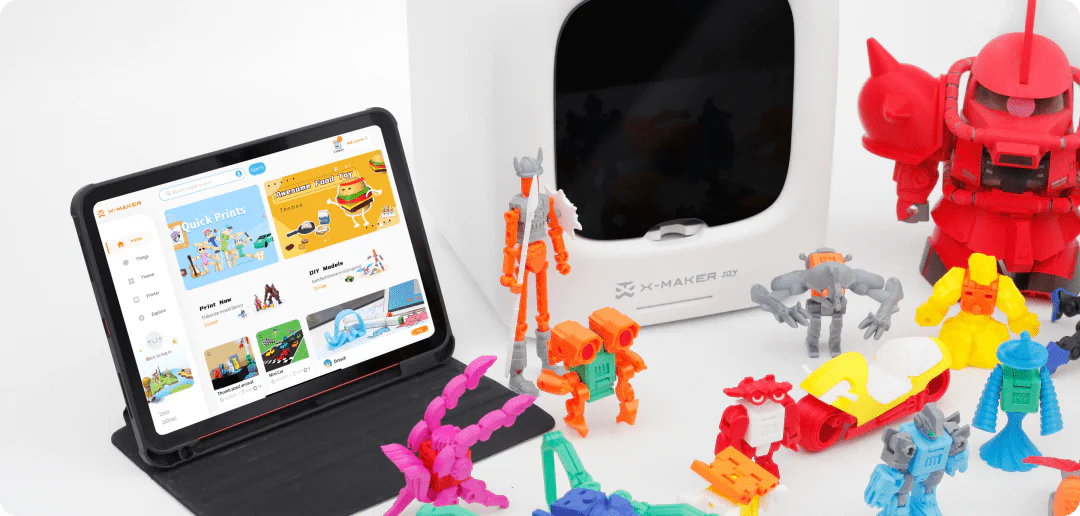
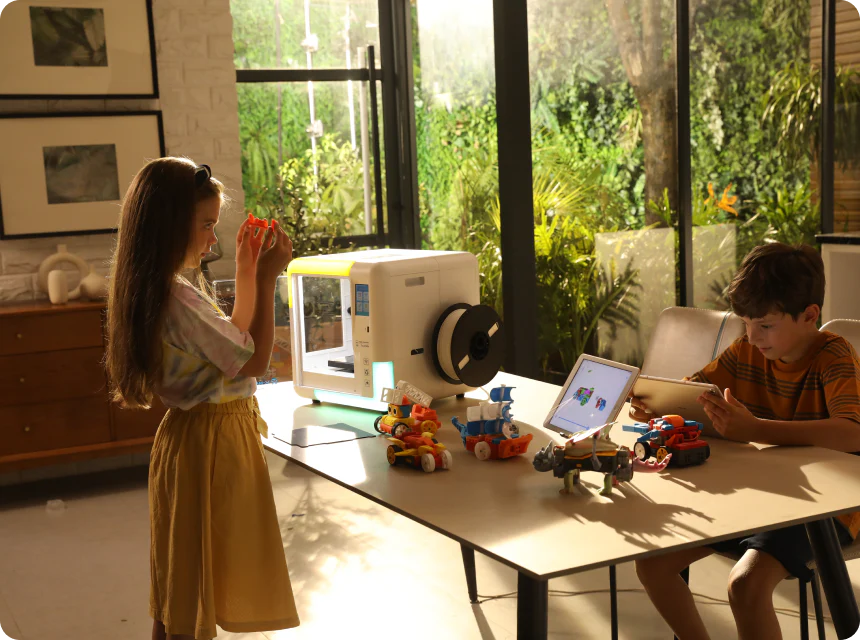
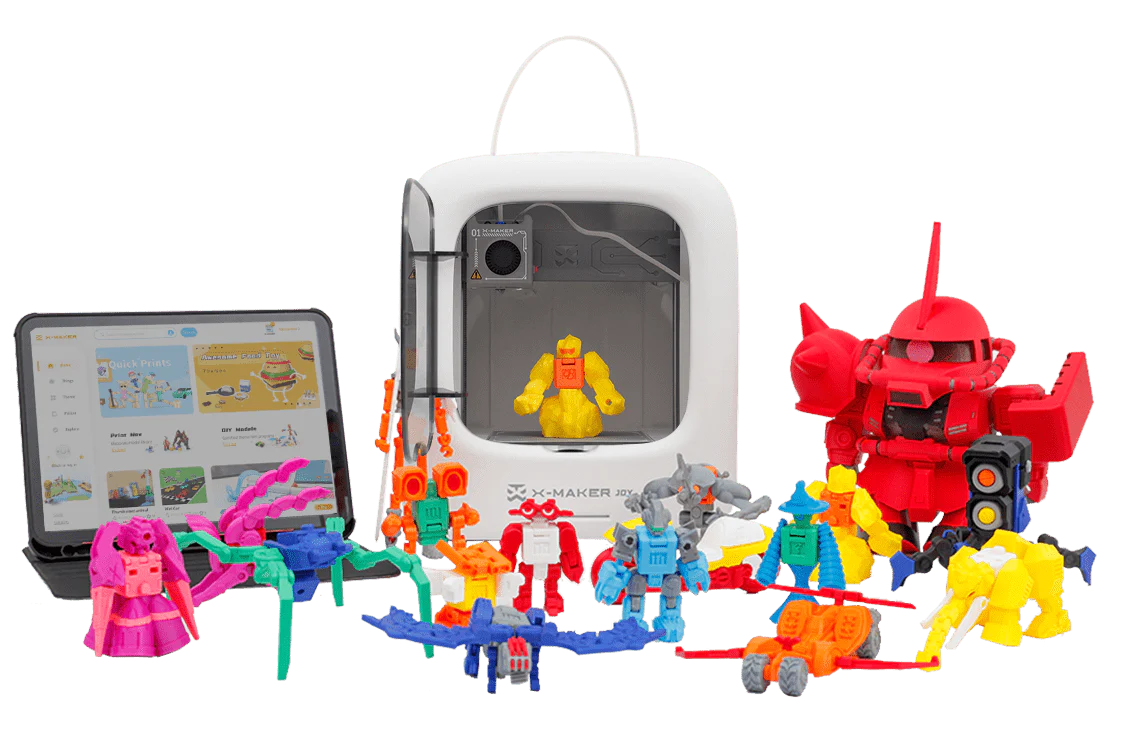
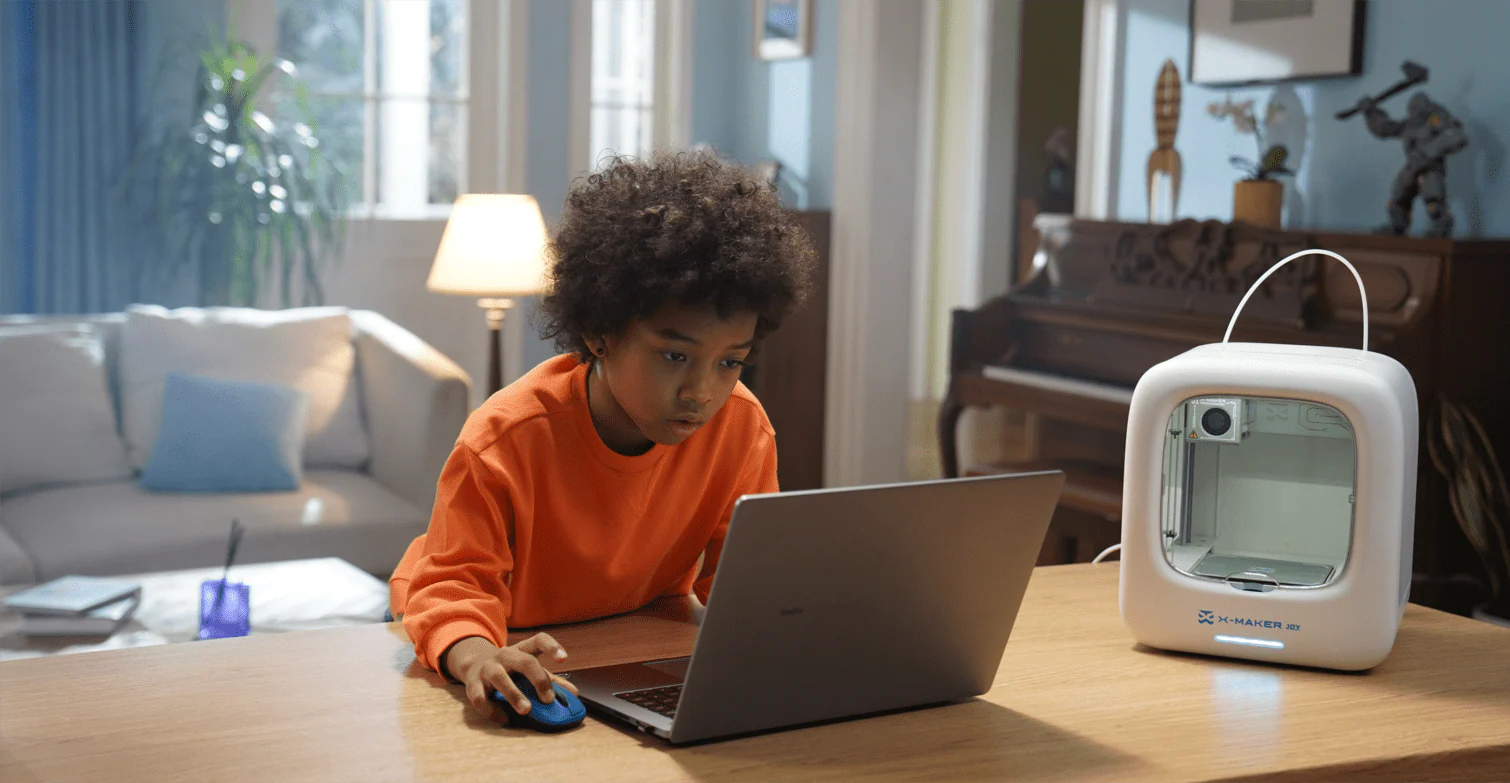
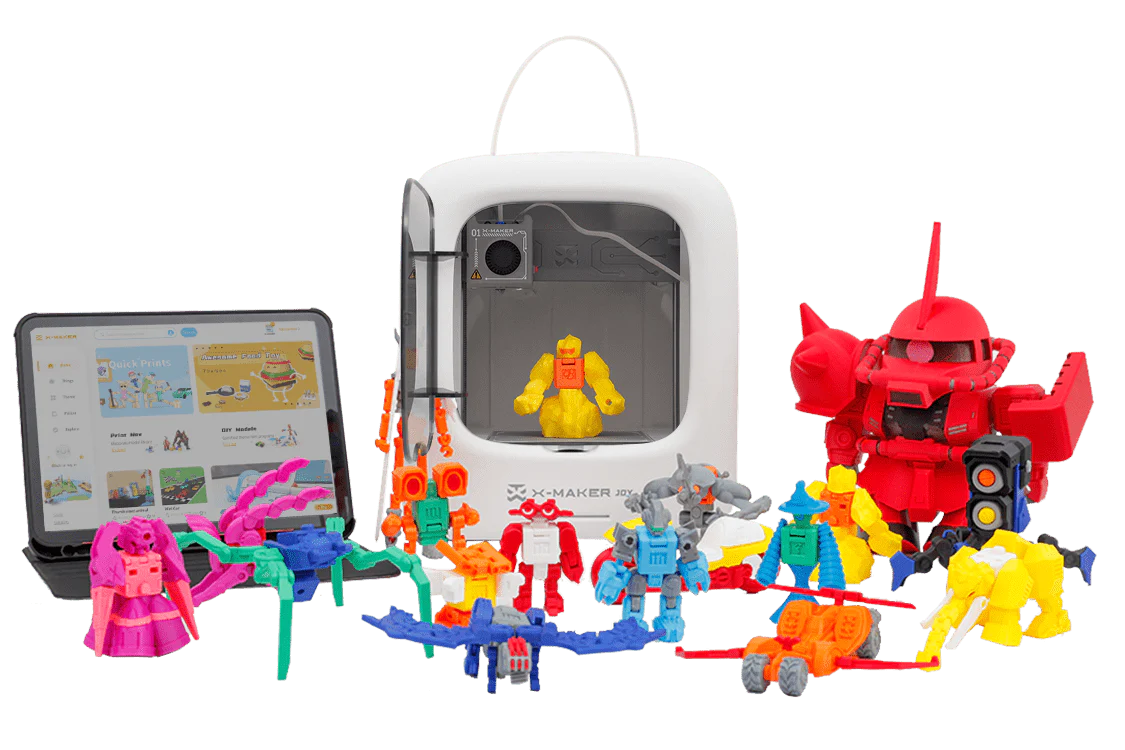
For families weighing their first printer, the deciding factor is rarely "which one prints better." It's which workflow a household can actually sustain past month one. Filament wins this comparison by a wide margin — quieter consumables, no chemical handling, no wash-and-cure step, and a model library deep enough to keep the printer in use every weekend. AOSEED's family creativity platform is one example of how the consumer layer has matured: enclosed hardware that keeps curious hands away from hot parts, a guided tablet app with AI-assisted modeling tools, and a model library that updates weekly so the printer keeps getting used after the first month.
Three things matter most for home and classroom use, and they apply whether you choose filament or resin. The hardware should be enclosed so a child can't reach the hot nozzle or the curing chamber. The design step should run on a tablet, not on Fusion 360 — a kid is far more likely to print something they sketched than something they engineered. And the project ecosystem has to grow with the user. A printer that runs out of project ideas in week three becomes a closet ornament in week four.
How to pick by age
For households comparing first machines, the easiest entry point is to scan a lineup of kid-friendly 3D printers built for home use by age and project complexity. Younger kids do better with the smaller, simpler enclosure and the more guided app workflow. For older kids and teens ready to push past starter projects, a guided STEM 3D printer for older kids and teens sits at the more advanced end of the consumer range — bigger build volume, more materials, deeper curriculum support — without giving up the enclosed-safer-hardware design that made the entry-level model work in the first place.
What this means for resin
Resin stays an adult hobby in a family home, not a family one. The fumes, the liquid handling, the IPA bath, the hazardous waste — these aren't workflow steps that should run with kids in the same room. Parents who genuinely want resin in the house should plan for a separated, ventilated workspace: a garage corner, a basement workshop, a closet with active extraction. For a kitchen-table setup with kids participating, an enclosed filament printer is the right answer. Not the compromise answer — the right one.
Common Mistakes Buyers Make
Five patterns that show up over and over in buyer remorse threads on Reddit and in support tickets. None of them require expertise to avoid. They mostly require slowing down for an afternoon before clicking buy.
Buying based on YouTube hype
YouTube reviews skew toward novelty. A resin print at 25 micrometers looks unbelievable on a 4K close-up. What the camera doesn't show is the three hours of post-processing, the eight-hour print time for one part, and the IPA bath in the sink. Watch the workflow, not just the final shot. If a reviewer never shows the wash-and-cure step, they're hiding the inconvenient half of the hobby.
Underestimating resin's total cost
The printer is the cheap part. Wash-and-cure stations, IPA at $25 per gallon every month or two, replacement FEP sheets, replacement LCD screens after 1,000–2,000 hours, gloves and masks in bulk, hazardous-waste disposal fees in some cities. None of these are catastrophic. Together, they push first-year cost roughly 1.5–2× a filament setup. Buyers who only budgeted for the printer get blindsided.
Putting resin in a family workspace
This one is the most preventable mistake. A resin printer on the kitchen counter doesn't work even if every adult in the house is careful. Children touch things. Spills happen. The IPA bath gets knocked over. The right setup for resin in a family home is a separate room or a garage corner with ventilation — full stop, no shortcuts.
Ignoring print orientation on filament
Almost every "filament parts are weak" complaint comes from someone who printed a part in the wrong orientation. A bracket loaded across the layers will fail at 30–50% lower force than the same bracket loaded along the layers. The slicer doesn't fix this for you. Spend ten minutes thinking about how the load runs through the part before you print. It's the cheapest upgrade in the hobby.
Skipping the test print
New printer, expensive resin, a 14-hour print of a 200 mm model — and the bed wasn't quite leveled. That's how a $40 print failure happens. Run a 10 mm calibration cube or a small benchy first, on every new material, on every fresh setup. The hour you spend testing is the only insurance the workflow offers.
Quick Decision Guide
If you only have time for one section, this is the one. Match your project on the left with the printer type on the right. Where two technologies could work, the recommendation is the one that gets the job done with less friction.
|
If your project is… |
Buy |
Why |
|
Tabletop miniatures or wargaming figures |
Resin (MSLA) |
Surface detail at 28 mm scale is the whole point |
|
Jewelry masters or wax-pattern printing |
Resin (MSLA) |
Detail and surface finish translate directly to the cast |
|
Functional brackets, hinges, hooks |
Filament (PETG/ABS) |
Strength matters more than surface; layer lines invisible at scale |
|
Toys for kids |
Filament (PLA) |
Cheaper, safer, more durable, no chemicals to handle |
|
Cosplay props or large display pieces |
Filament (PLA/PETG) |
Build volume and material cost matter more than micro detail |
|
Phone cases, gaskets, flexible parts |
Filament (TPU) |
Flexibility is a filament-specific material property |
|
Dental models, surgical guides, aligners |
Resin (medical-grade) |
Regulatory and detail requirements rule out filament |
|
School STEM projects or homeschool |
Filament (enclosed) |
Workflow needs to survive contact with students |
|
Quick prototypes for engineering review |
Filament (PLA) |
Speed and cost beat surface finish at this stage |
|
Hyper-detailed display models (statues, scale models) |
Resin (MSLA) |
Detail is the deliverable; post-processing is the price |
Conclusion: What This Means for Your Next Printer
The four objects at the top of this article — the jewelry mold, the dental aligner, the green dinosaur, the garage-door bracket — aren't really four different stories. They're the same technology pulled into four contexts by four people who picked the right printer for the work in front of them. Two would have been frustrated within a week if they'd gone the other way.
The honest answer to "resin vs filament" is that it depends on what you want to make and on what your household can actually sustain. For most homes — kids around, kitchen table, shared family room — an enclosed filament printer with PLA is the right answer. Cheap consumables, no chemical handling, parts strong enough for real use, and a project library deep enough to keep the printer running every weekend. For miniature painters, jewelry hobbyists, dental prosumers, and adults who can dedicate a ventilated corner of a garage to the workflow, resin is the right answer.
The wrong answer? Buying based on which printer looks cooler in the YouTube review, or trying to make one printer do both jobs because two seems like overkill. The right answer is matching the technology to the work in front of you — and leaving the other one for later, or not at all.
FAQs
Is resin or filament better for beginners?
Filament, almost without exception. The workflow is simpler — load the spool, level the bed, slice, print — and the consumables are friendlier. No liquid resin. No IPA. No gloves required every time you touch the machine. Filament printers also run fine in a kitchen or office without special ventilation, where resin really does need a dedicated ventilated workspace. Practical tip: if you're not sure, start with filament. The slicing, orientation, and supports skills you learn there all transfer to resin later, if and when you want to step up to detail work.
Is resin printing more dangerous than filament printing?
On measured emissions, yes — that peer-reviewed comparison clocked resin printers at roughly 1.9× the ultrafine particle output of filament printers in the same controlled setup. The risks differ in kind, too. Filament risks are hot surfaces and ultrafine particles, both manageable with PLA and an enclosed machine. Resin risks are liquid skin sensitizers, VOCs, and hazardous waste. Both are manageable for adults with reasonable precautions, but resin demands more discipline. Practical tip: nitrile gloves and eye protection on resin work are not optional. Full stop.
Which is cheaper to run, resin or filament?
Filament, and the gap is real. Printers cost roughly the same upfront, but resin adds a wash-and-cure station ($150–$300), more expensive consumables (resin runs $30–$60/liter vs PLA at $15–$30/kg), and ongoing costs for IPA, nitrile gloves, replacement FEP films, and hazardous-waste disposal. A typical hobbyist spends roughly 1.5–2× as much on resin as on filament for the same print volume. Practical tip: when comparing prices online, count the consumables — not just the printer line on the receipt.
Can you make functional parts with resin?
Yes, but the standard resins most printers ship with are optimized for detail, not toughness. They're stronger than they look but more brittle than people expect, and they continue to brittlify in sunlight over the months after the print. Tough resins and ABS-like resins close some of the gap — at 1.5–2× the cost of standard. For brackets, jigs, mechanical parts, and anything that takes load over time, filament (PETG or ABS) is almost always the better choice. Practical tip: use resin for the parts of a project that need to look molded, and filament for the parts that need to hold something up.
How long does a resin print take compared to filament?
Depends entirely on what you're printing. One tall part? Resin is slower, because every layer takes a fixed cure time regardless of geometry. A whole plate of small parts? Resin is faster, because the entire layer cures at once — twenty miniatures take the same time as one. A 10 cm desk object might print in 3 hours on filament and 10 hours on resin. A tray of twenty miniatures might cure in 5 hours on resin where filament would need 60 hours sequentially. Practical tip: batch print on resin, singleton-print on filament, and the speed difference becomes a workflow advantage rather than a constraint.
Which 3D printer type is better for miniatures and detailed models?
Resin, by a wide margin. Standard MSLA printers hit 35–50 micrometer layer heights with XY resolutions around 22–47 micrometers — fine enough to capture chainmail texture on a 28 mm tabletop miniature or the spiral grooves on a printed screw thread. Filament printers, even the fastest current models, leave layer lines that need sanding to disappear. Practical tip: if your project is a tabletop miniature, a jewelry master, a dental model, or a hyper-detailed display piece, the right printer is resin — and the post-processing time is part of the deal, not a bonus.
Is 3D printing safe for kids at home?
Filament printing with PLA is generally safe for children with adult supervision and an enclosed printer. The main hazards — hot nozzle and ultrafine particles — are both manageable. Resin printing is not a kid-friendly hobby at home, period. Liquid uncured resin is a skin sensitizer, the IPA wash is flammable, and the hazardous-waste disposal is an adult responsibility. NIOSH's 2024 occupational guidance recommends enclosed printers and local exhaust ventilation for both technologies, with stricter PPE handling rules for resin. Practical tip: enclosed filament printer with PLA, ventilated room, no resin in shared family spaces.
What can you make with a 3D printer at home?
The most useful home prints solve a problem you already had this week — drawer dividers, cable clips, eyeglass-frame hinges, replacement appliance knobs, kid-safe nightlight diffusers, and toy parts that broke last weekend. Families with kids get the most repeat use from game pieces, puzzles, marble runs, and craft templates. The pattern that fails is the novelty print — cool to look at once, useless after. The pattern that works is the small, functional, slightly customized object that lives in a drawer or on a desk for years. For a starter set of weekend-ready ideas organized by age and skill level, the AOSEED Learning Center hosts beginner 3D printing project guides that work well on filament printers and pair with a guided tablet design app.
Sources
- U.S. National Institute for Occupational Safety and Health, Approaches to Safe 3D Printing, NIOSH Publication 2024-103, 2024.
- National Institutes of Health / PMC, Comparative Emissions Study of Desktop FFF and SLA 3D Printers, PMC10272752, 2023.
- U.S. National Institute of Standards and Technology, Polymer Additive Manufacturing, NIST AM Research Areas, 2024.
- Education Resources Information Center, 3D Printing in K–12 STEM Education, EJ1406908, 2023.
- CDC / NIOSH, Workplace Solutions Bulletin — 3D Printing, 2018.
- Formlabs, FDM vs SLA: How to Compare the Two Most Popular Types of 3D Printers, 2024.


You may also like
X-MAKER JOY:AI-Powered ToyMaker 3D Printer for Kids
AOSEED X-MAKER: Kid-Friendly AI-Powered 3D Printing Revolution
Further reading

Why “Make, Play, Share” Works Better Than Another Passive App

Family Creativity Night: A Simple Weekly Plan for Parents and Kids

Screen-Light Weekend Activities That End With Something Kids Can Hold